

Content Browser SDK
Browse and access Orange Logic assets in external applications
Orange Logic’s content browser allows authenticated users to browse Orange Logic assets in external web applications. You can use the Content Browser SDK to develop custom integrations between your Orange Logic platform and other applications.
For example, let’s say your organization’s creative team stores images in Orange Logic. However, the marketing team uses a Content Management System (CMS) to build webpages. You can add the content browser to your CMS so users can search, filter, and select assets directly from Orange Logic, and then use them in your CMS.
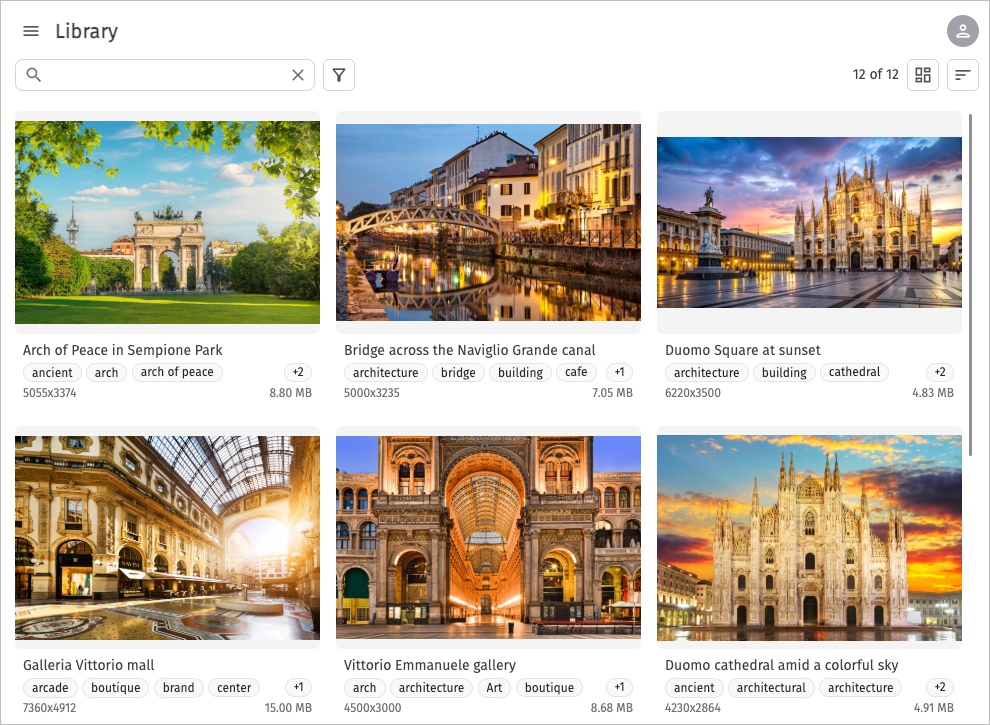
Sample content browser (v2.1.0)
With Orange Logic’s content browser, users can find assets with any file extension, apply transformations, add tracking parameters to URLs, preview videos, and more. To learn how to use the content browser interface, watch the following video, which shows content browser version 2.1.0 with tracking parameters and transformations activated.
Users can select any asset format they have permission to view in the DAM. The selected format is served via Orange Logic’s content delivery network (CDN).
NoteThe content browser is available beginning in the Orange Logic Milan release.
User access to assets
Orange Logic only returns the assets that users have the Permissions and Security Functions to access. Additionally, when you configure the content browser, you can limit:
- The available Asset Types. For example, you could limit the content browser to display only videos and images.
- The available Visibility Classes. For example, you could show only assets with the “Public” Visibility Class.
- The Asset Types and Subtypes that display image representatives. For example, you could allow representatives for all Asset Subtypes except for the “Legal documents” subtype.
Supported file extensions and asset previews
All file extensions are supported.
- Video previews include video scrubbing and playback.
- Audio previews are limited to an audio wave representative image. Audio playback is not supported yet.
- When users select assets of the “Other” asset type, such as PDFs and PPTX files, they can only preview and access the asset representative, not the complete asset.
Content Browser SDK examples
The content browser is extremely flexible. Use these examples as inspiration.
Orange Logic’s demo page
You can try the Content Browser SDK for yourself. Go to our demo page.
-
Click “Load config” to load the browser.
-
Log in to your organization’s Orange Logic environment.
-
Adjust the instance-specific configurations in the “Config” box to see how the browser interface changes.
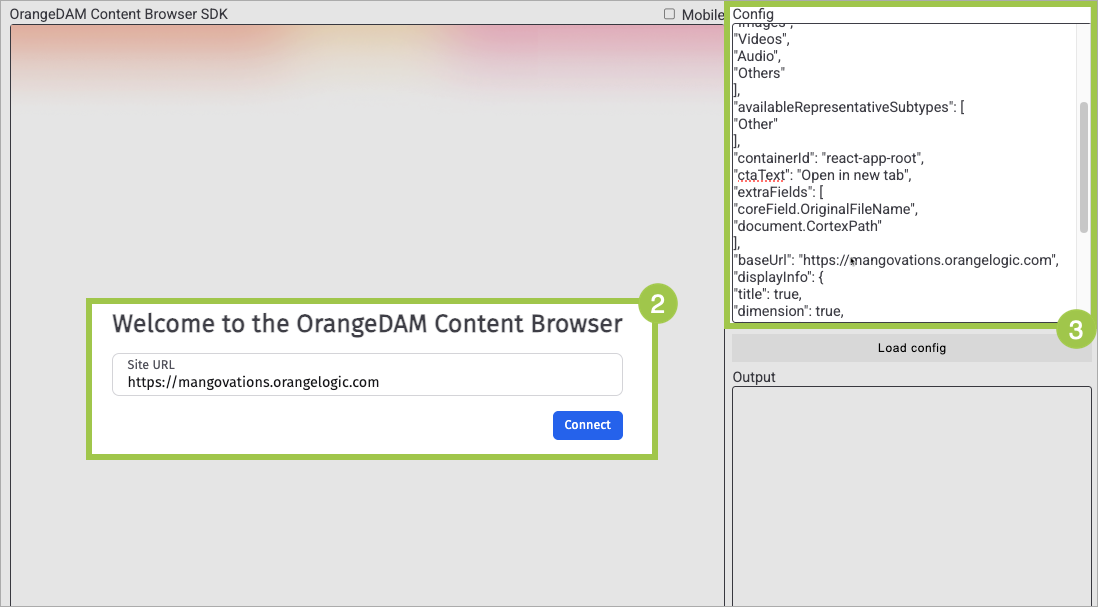
Content Browser SDK demo
For example, by default file size and tags do not appear on the previews of assets in the content browser.
However, you can update the displayInfo attribute from its default:
"displayInfo": {
"title": true,
"dimension": true,
"fileSize": false,
"tags": false
}
to:
"displayInfo": {
"title": true,
"dimension": true,
"fileSize": true,
"tags": true
}
So that file size and tags appear on the preview of each asset:
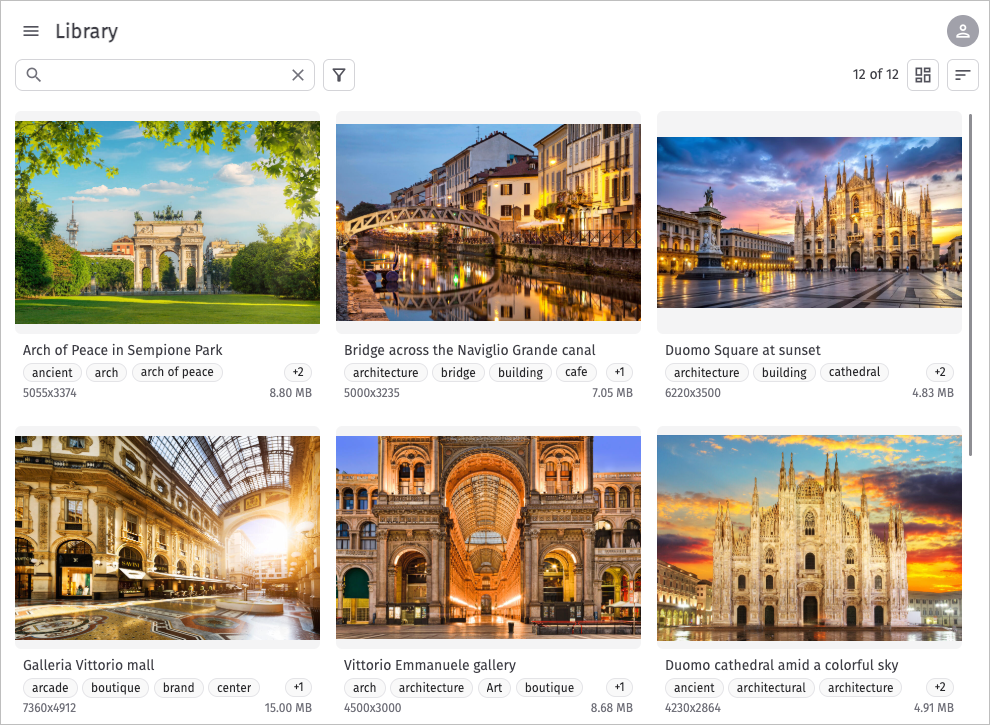
Content browser demo configured to include file size and tags in each asset’s preview.
JavaScript example
In this JavaScript example, the extraField attribute is specified as ["CoreField.alternative-description"] and onImageSelected is specified as:
function (assets) {
          console.log(assets);
          document.getElementById("myImage").src=assets[0].imageUrl;
          document.getElementById("myImage").alt=assets[0].extraFields['CoreField.alternative-description'];
        }
Therefore, the selected image’s alternative description is displayed when a user hovers over it.
React example
Sanity.io is a CMS that stores and pushes content to digital platforms. Orange Logic’s Sanity.io integration retrieves images from Orange Logic and adds them to Sanity. It’s a great example of using Orange Logic’s content browser in an integration.
NoteThe Sanity.io example uses version 1 of the content browser SDK.
Updated about 2 months ago